

Client Dashboard
A hosted portal for operators. Manage customers, review KYC, and run transactions without writing any code.
Widget hosted mode
A branded widget your users open from a link or redirect. No iframe or server code needed.
Client Dashboard
Hosted at dashboard.dollarpe.xyz. Use it to manage customers from onboarding through KYC, payins, and payouts. No installation or backend integration required.Widget hosted mode
Send users to the widget with a URL. Works on desktop and mobile without an iframe.{org_app_id} with your organization’s app ID.
Customization
To pre-fill values like transaction side, amount, or asset, use the Widget Initialize API. Supported parameters are listed in the API reference.White label
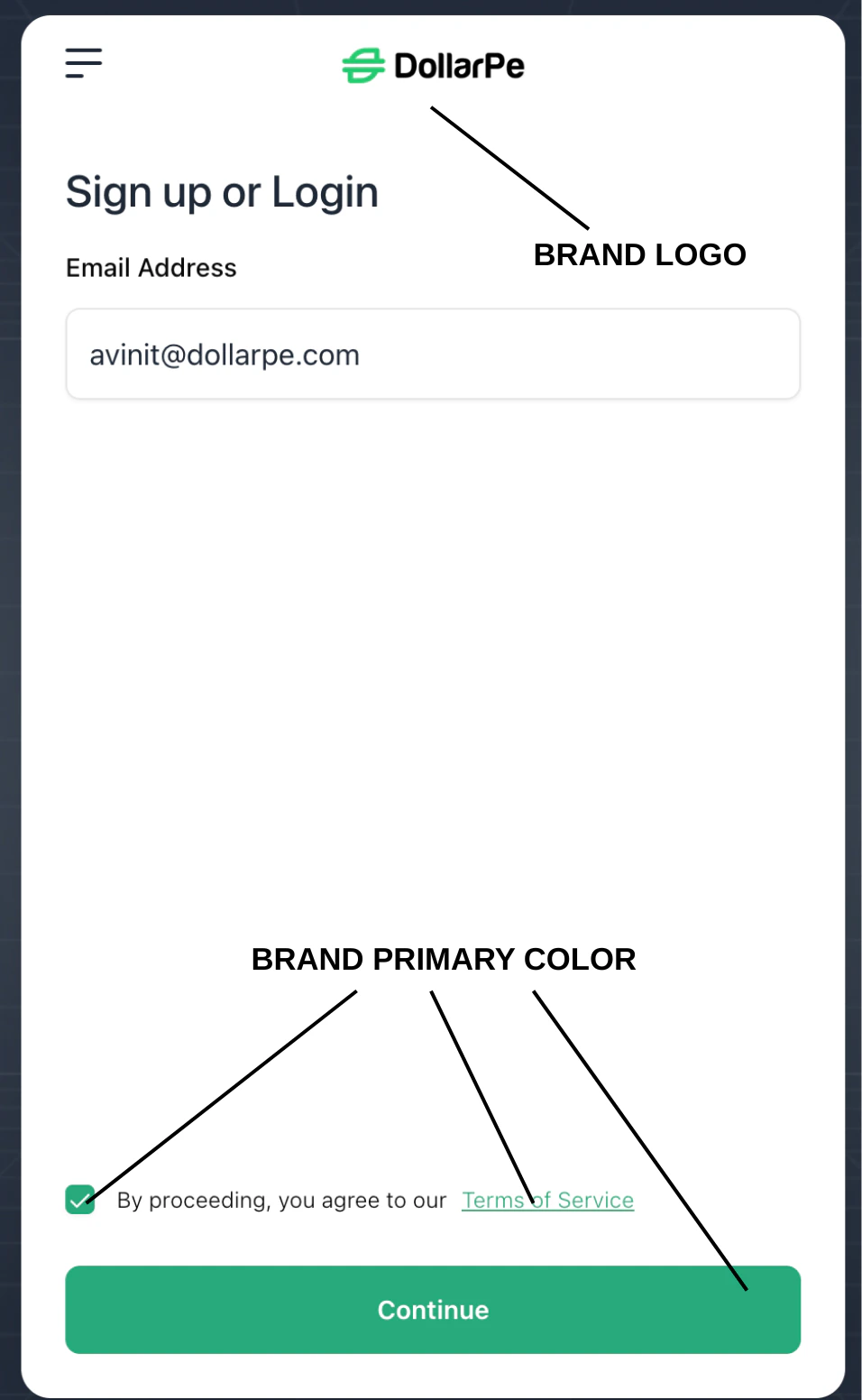
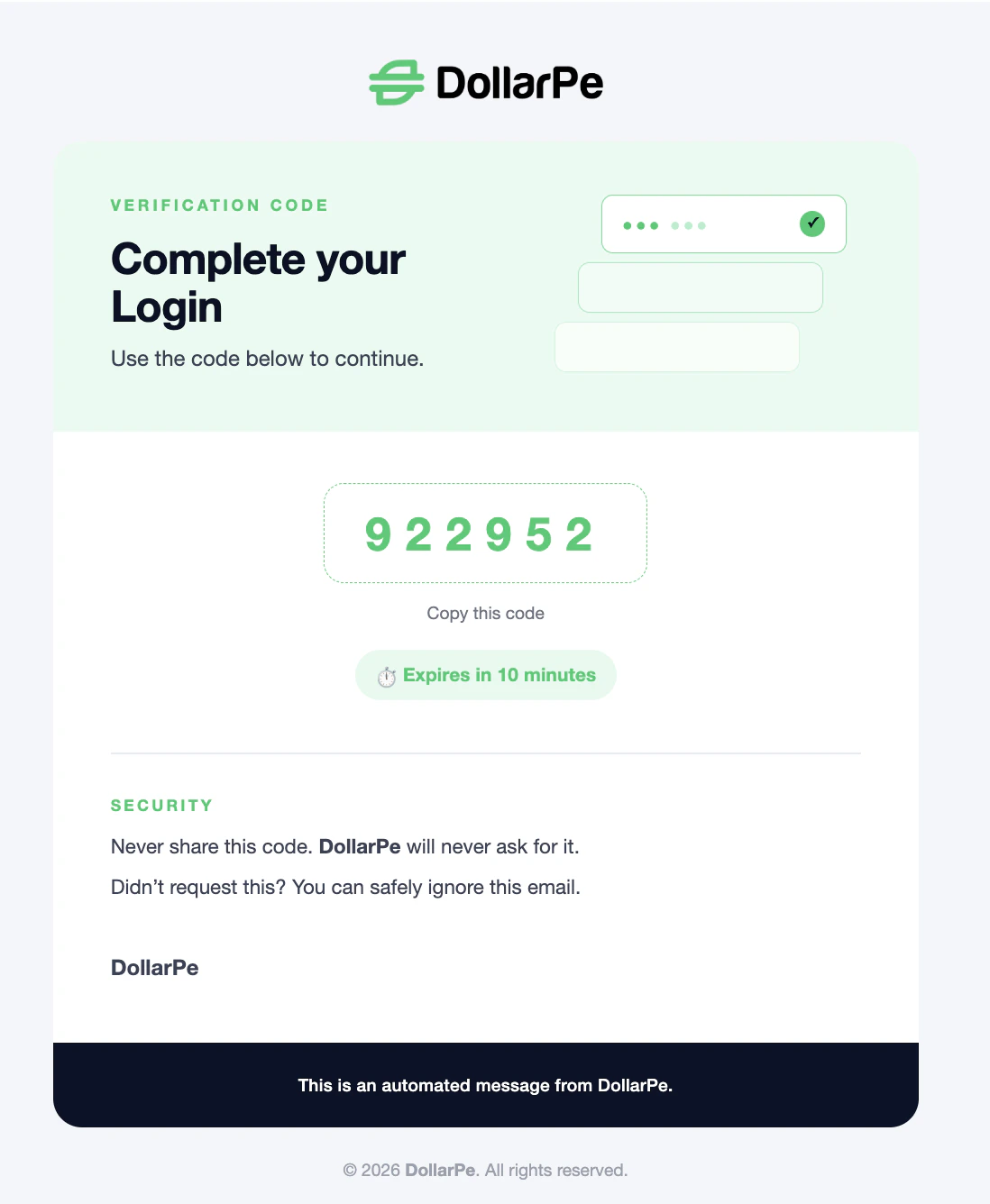
Set your branding in organization settings once. Any session opened with yourapp_id picks it up automatically: logo, primary and secondary colors, and email templates.
Widget branding
Email branding
To pre-fill buy or sell parameters, use the Widget Initialize API. For iframe embedding, see the Widget integration guide.